Start with the source.
A quantity, question or field record should lead back to the information behind it.

A music-only cinematic introduction to Yarak Suites, with Bid, Build, Field, Marketing and Pilot Intelligence Core (PIC). The film contains animated brand artwork and product titles. Full product descriptions follow below. Music starts where your browser permits it. Use the music control to mute or enable the soundtrack.
THE YARAK PRODUCT FAMILY
Bid. Build. Field. Marketing. From the decision to bid through project handover—and the relationships that bring the next opportunity. Explore four focused products and the proprietary PIC technology being developed across the suite.

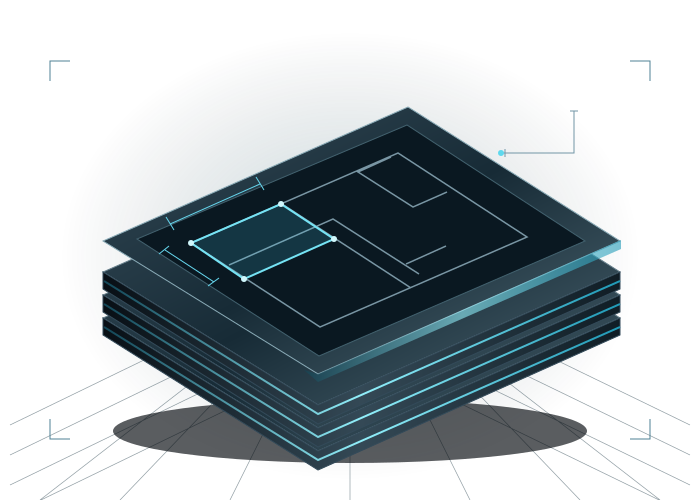
YARAK BID 01
A complete preconstruction workspace built around the way you pursue a job: organize the opportunity, control its documents and communication, quantify the work, build the estimate and prepare the bid.
Early access: 30-day trial open
FROM THE DECISION TO BID TO THE FINAL SUBMISSION
Go beyond measuring a drawing. Follow the people, documents, scope and pricing decisions that make a complete bid.
Set up the opportunity, responsibilities, due dates and bid package.
Review the documents, measure scope, develop assemblies and compare quotes.
Resolve gaps, prepare the proposal and retain the basis of the award.
Bring the opportunity, bid deadlines, contacts, scopes and divisions into a project workspace. Upload drawings, specifications and supporting bid documents. Retain source files and versions, identify duplicate or failed uploads, and keep addendum history available while the estimate develops.
Manage project-specific email, subcontractor invitations, incoming responses and follow-up. Track bidder participation and coverage so the estimating team can see which scopes still need attention. Message states distinguish an accepted send from confirmed delivery or a recipient reading it.
Work from the selected drawing and scale with manual quantity tools. Keep measured scope organized with its source, then use text, markup and bookmarks to make review practical. Retain the estimator’s decisions through an explicit save and review workflow.
Use document inspection, native PDF text extraction and Tesseract OCR for supported scans. Reviewed automation is part of the launch direction for trade takeoff: proposed quantities must remain traceable to source evidence and open to manual correction. Automatic full-project quantities are still being developed and validated; OCR alone does not establish a quantity.
Connect quantities to assemblies, material and labor inputs, production assumptions and estimating structure. Build up scope consistently while keeping the underlying assumptions visible. The estimator remains responsible for productivity, pricing, allowances, contingency and the final number.
Review scope and division coverage, vendor qualifications, exclusions and supplied quotes together. Compare the basis of each offer, identify missing or overlapping work, record clarifications and resolve differences before the proposal is finalized.
Prepare the proposal and its qualifications from the reviewed estimate, manage the submission milestone and follow-up, and retain the bid history. At award, assemble the accepted scope, commercial assumptions and supporting records for a deliberate turnover into project delivery.
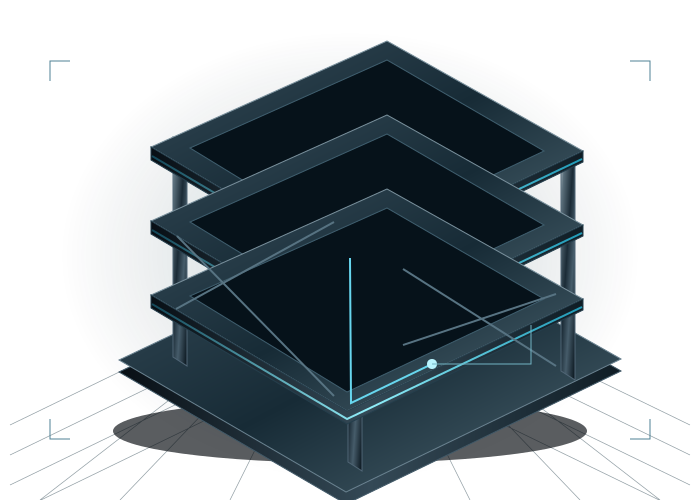
YARAK BUILD 02
The post-award workspace for the whole project: ownership, architects, project managers, project engineers and finance working from the records and responsibilities that carry the job through handover.
Planned release: Q1 2027
FROM AWARD TO THE HANDOVER OF THE KEYS
A project is more than a schedule or a cost report. Build brings the commercial, technical and delivery workflows into a coherent project record.
Set the contract basis, budget, team, commitments and project schedule.
Coordinate decisions, changes, procurement, cost and billing as work progresses.
Complete the outstanding records, financial review and ownership handover.
Establish the contract, project team, partners and document record. Organize responsibilities for owners, architects, PMs, PEs and finance. Project participation and record sharing are controlled; a stakeholder’s role does not grant blanket access to internal financial or employee information.
Build the delivery plan around milestones, activities, dependencies and look-ahead work. Track updates, delays, constraints and procurement needs alongside current project facts. Keep the schedule discussion connected to decisions and material commitments that can affect progress.
Prepare, number, route and track requests for information with responsibility, due dates, attachments and responses. Retain the question-and-answer history and link potential cost or schedule impacts to the corresponding change event. Review and issue remain deliberate human actions.
Manage the submittal register, required dates, reviewers, attachments, comments and disposition. Preserve prior revision and review-cycle evidence as the current item advances. Keep the approved project record distinguishable from drafts and unresolved submissions.
Track the contract, budget lines, commitments, cost-code allocations, actual cost to date and rolling completion forecasts. Review pending exposure separately from approved commercial values. Connect the financial snapshot to the source records rather than treating every potential change as approved revenue or cost.
Record the origin, supporting documents, estimate and potential schedule impact of a change. Follow review, approval and change-order workflows, while keeping pending exposure distinct from approved adjustments. Final commercial authority and posting remain with the authorized project and finance team.
Prepare owner and subcontractor pay applications; review billed-to-date values, remaining billing, payments and retainage alongside cost to complete. Organize the supporting records needed for ownership and lender review. This is a project financial workflow, without an implied automatic banking or accounting connection.
Keep daily reports, documents, communication references and project activity available to the team. Use the PM command view to review overdue items, pending decisions, procurement, upcoming milestones and current financial facts. Field execution and contractual authority retain their own responsibilities.
Coordinate completion items, closeout documentation and the final commercial review. Organize the materials needed to turn the completed project over to ownership and preserve the decisions, approvals and project history behind that handover.
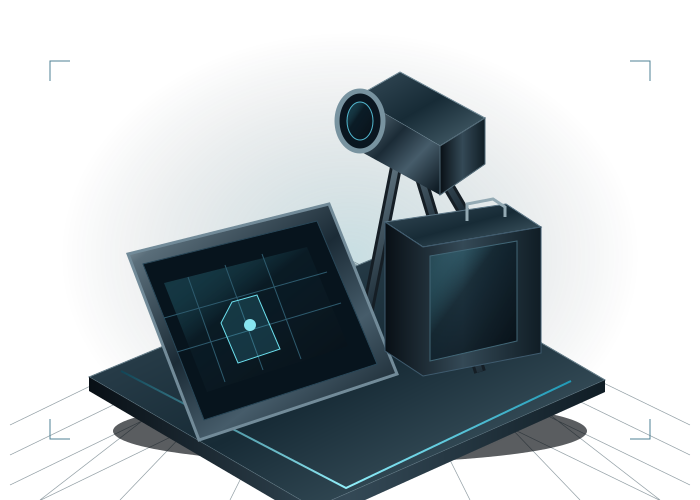
YARAK FIELD 03
Keep the people doing the work connected to current project information, responsibilities and field records—from the moment they step onto the job through completion.
Planned release: Q1 2027
FROM THE FIRST DAY ONSITE TO THE LAST COMPLETED ITEM
Field connects jobsite activity with the information and evidence the project needs, without asking crews to work from scattered instructions.
Open the assigned project, its documents, manuals and forms.
Capture daily activity, safety, progress and the questions that need attention.
Submit records, resolve remaining items and retain the field history.
Connect assigned staff to a project-first workspace with current documents, instructions and supporting information. Keep field updates in their project context so supervisors and crews can coordinate from the first day onsite through completion.
Organize project attachments and company manuals with explicit access controls. Viewing, downloading and printing can be separate permissions. Keep field documentation attached to the correct job while preserving the ownership of imported project facts.
Capture daily field activity, progress, photographs and production records in their project context. Give supervisors a consistent basis for reviewing completed work and following up on missing information. Field evidence informs project decisions; it does not independently approve commercial changes.
Use structured field forms and retained submissions for safety, inspections and punch work. Track the information needed to review an issue and complete the remaining work. Form-specific schemas keep submissions understandable rather than reducing every field process to a generic note.
Capture time and labor context against the job and cost codes, then make supervisor review and retained history explicit. Preserve the distinction between entering a field record and approving it for a later project or payroll process.
Create a standalone field project or bring in an authorized project record. Imported source information does not overwrite Field-owned forms, permissions and execution evidence. Tablet-local drafts support form preparation; connectivity and submission status remain visible rather than implying every workflow works fully offline.
YARAK MARKETING 04
A company marketing workspace for CRM, campaigns, content, social planning, calendars and follow-up—so the next opportunity has a clear history and a next action.
Yarak Marketing. Part of Yarak Suites.
Explore the full workflowPlanned release: Q1 2027
FROM THE FIRST RELATIONSHIP TO THE NEXT OPPORTUNITY
Connect the relationship, the campaign and the follow-through. See what the team is working toward and who is responsible for moving it forward.
Define audiences, goals, campaigns and relationship ownership.
Prepare channel content, organize the calendar and manage the next action.
Review activity, responses, pursuit progress and marketing goals.
Organize companies, contacts, segments, stages, relationship owners and contact details. Keep the last touch, next follow-up and notes together. Assign a clear next action so a promising conversation has continuity when work changes hands.
Plan each campaign around its audience, offer, goal, owner, dates, budget, cadence and success measures. Track progress against the plan and keep campaign work connected to the team’s wider calendar and business-development priorities.
Write and retain campaign-linked drafts, organize Draft and Review work, and compare the saved campaign brief with the latest loaded version. Preserve the original brief when the campaign changes so authors can review what needs revision before using the content.
Organize content for channels including Facebook, Instagram, LinkedIn and X, with an owner, format, objective and planning date. Prepare channel copies and track the work through the content calendar. Direct publishing to social networks is a separate connected-service capability and is not represented as live in this preview.
Bring campaign activity, events, content dates and follow-up tasks into a shared planning view. Track priority, owner, due date and completion. Email and call workflows can open the selected external tool; recording an action is distinct from automatically detecting that a message was sent or a call occurred.
Track opportunities, stages, owners, due dates and the next step alongside relationship activity. Use the dashboard and scorecard to review goals and progress, and organize response history for follow-up. Marketing supports opportunity visibility while Bid owns the detailed estimate and submission workflow.
CONSTRUCTION KNOWLEDGE, ENGINEERED IN
A quantity, question or field record should lead back to the information behind it.
Keep human judgment visible where scope, commercial and construction decisions are made.
Focused responsibilities across estimating, project delivery and field operations.

OUR PROPRIETARY INTELLIGENCE TECHNOLOGY
PIC is the proprietary intelligence foundation being developed across Yarak Suites: document understanding, source-linked evidence and human-reviewed assistance, with the project team retaining decision authority.
Source-linked insights, document review and reviewed takeoff development—with people in control of scope, pricing and project decisions.
Evidence that stays connected.Inspect the source behind a finding before using it in the job.
Deliberate human review.PIC drafts do not independently issue contracts, approve quantities, post financials or send project communication.
Our proprietary intelligence. Continually evolving for your next chapter.

PROPRIETARY YARAK TECHNOLOGY / EVIDENCE BEFORE AUTHORITY
PIC is the core in the suite’s visual architecture. Its practical role is to turn authorized project information into evidence people can inspect and use.
Inspect authorized files and extract supported text or OCR evidence.
Retain document, version and page references with reviewable findings.
Review drafts and accept decisions in the responsible product workflow.
Inspect supported PDFs and retrieve their native text, with opt-in Tesseract OCR for supported scans and images. Preserve page and word locations, confidence and warnings where available. Document quality, language and scan coverage affect what can be extracted reliably.
Prepare bounded bid-review and project-document review drafts against authorized sources. Keep document identity, version and page evidence available for inspection. An output remains a draft until a person reviews it; the presence of a confidence value does not approve the result.
Develop trade-specific takeoff tools and reviewed automation alongside native manual workflows. Source coverage, interpretation, quantities and estimate assumptions need separate validation. Current OCR and scoped quantity tools do not demonstrate complete automatic interpretation of every trade or drawing set.
Develop product-specific connections that respect permissions, source ownership and recorded human decisions. Further specialists for scope, proposals, RFIs, schedule, payment-document and closeout review are part of the development roadmap. Each product integration has its own acceptance gates; a shared visual connection is not a claim that every integration is live.
YARAK BID PRICING
Pricing is per user. Start with the 30-day early access trial and choose a paid term when subscriptions open.
Billed monthly when paid subscriptions become available.
Compared with 12 monthly payments of $300 for one user.
No payment is required for the trial. Paid checkout is not open yet.
BUILT AROUND YOUR PRIORITIES
Start with your estimating, delivery or field workflow.
Your next chapter starts here.